
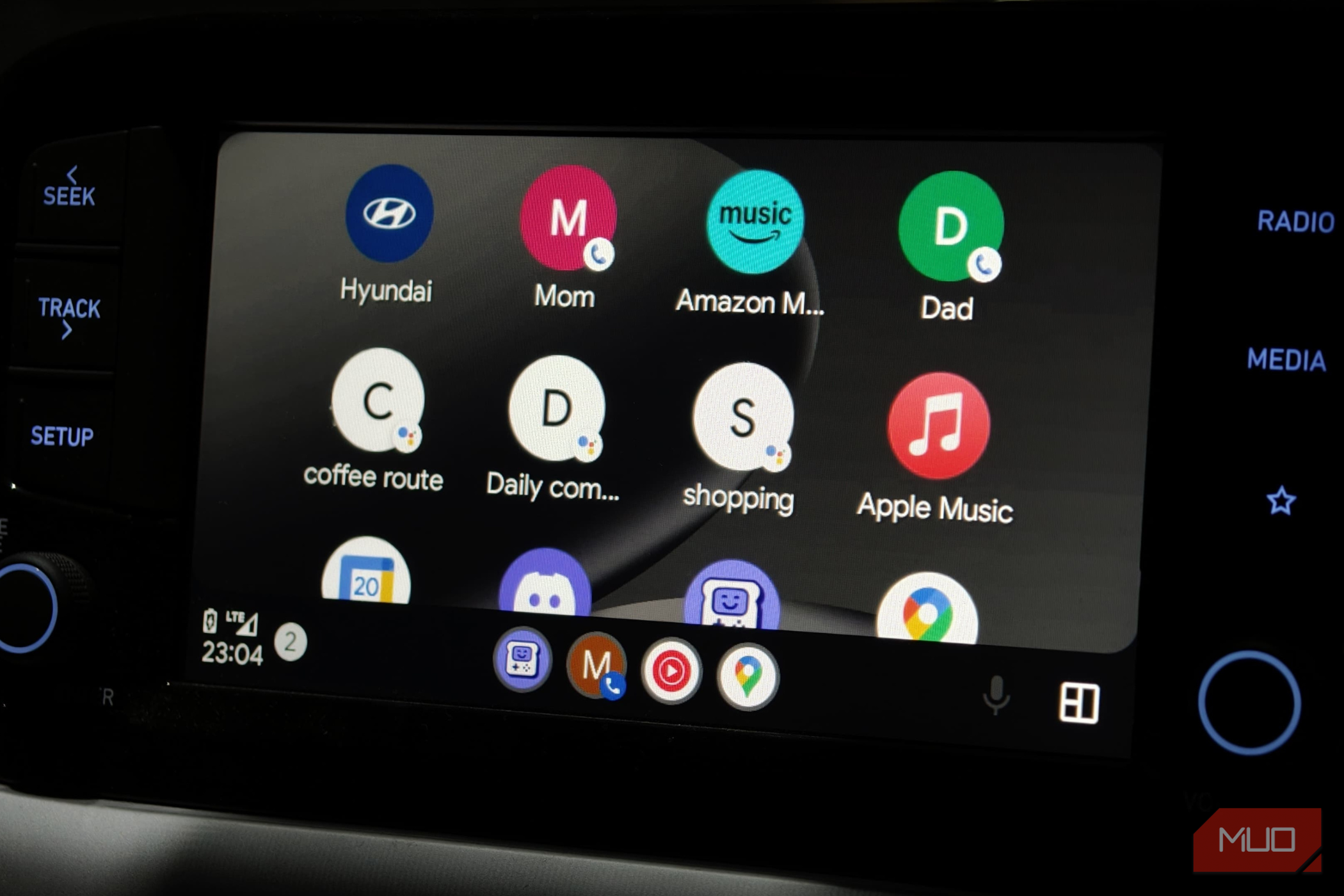
There was a time when every time I sat in my car and turned the ignition, the infotainment would light up. And this would immediately project all my contacts, media, favorite Android Auto fun apps, and maps onto my car’s head unit. All the while, my phone stayed in my pocket. It was convenient and still better than what I had on Apple CarPlay.
But that is no longer the case. Now I’ve intentionally added a step to this ritual: when I sit in my car, I have to get my phone out and plug it in with a cable to trigger Android Auto. It certainly added friction, but here are a few reasons why I’m okay with it:
The sticky connection nightmare
Unplugging is better than walking away
Wireless Android Auto often refuses to let go. Since wireless Android Auto uses Wi-Fi Direct and Bluetooth, the phone stays connected to the car’s head unit even after you leave your vehicle. This creates a garage effect where you’re in your house, but your phone’s audio stays routed to the car parked in the driveway.
RECOMMENDED FOR YOU
A wired connection is absolute. Once you disconnect the cable, it sends an instant signal to Android Auto to disconnect. It immediately terminates the sessions and disconnects the phone from the head unit. There’s no lag, no ghost connections, and no accidental broadcasting of your private calls to an empty car. You get the clean analogue break the moment you park your car.
No more network dead zones
Keeping your Wi-Fi free for data and not just projections
Wireless Android Auto triggers a logic loop the moment you sit in your car. It creates confusion for the phone while you are in your home Wi-Fi proximity. As you pull away, your phone clings to your home Wi-Fi while the car simultaneously tries to force a Wi-Fi Direct connection to the head unit. This tug-of-war usually results in “no internet” errors exactly when you need to configure your GPS.
This isn’t just me; many Redditors face the same. Many users reported even 500 yards of dead zones where maps won’t load at all, as the phone stays confused about which network to prioritize. A wired connection can bypass this. It uses a cable to display data, leaving the phone’s Wi-Fi radio free to handle seamless handoff from the home internet to your mobile data.
If you use wireless Android Auto, you can’t share your hotspot or connect to someone else’s Wi-Fi network. If you don’t have mobile data or want to share yours with someone else on the trip, the only option is wired Android Auto.
Thermal throttling that damages the battery
Short-term heat spikes can lead to long-term device damage
Wireless Android Auto consumes many resources while running. It continuously downloads maps, runs GPS, streams media, and wirelessly projects data while acting as a Wi-Fi Direct hub. This throttles the processor, causing it to generate heat. If you pair this with wireless charging, it effectively bakes the battery.
Such thermal throttling also causes the UI to stutter, sometimes so much that the phone might even shut down (even if you have a flagship phone, the damage to the battery is equal over time). While this might not seem like much, over time, the damage adds up, causing greater battery degradation, as heat is the main driver.
Using a cable instead of going wireless reduces stress on the processor and generates less heat. It also reduces stress on wireless projection and improves performance consistency while using Android Auto.
Multi-device tug-of-war
Manual selection beats automatic selection
Wireless protocols in car stereos are designed to prioritize the last phone it was connected to. If you and someone else who shares your car get into the car with your phones’ Wi-Fi and Bluetooth enabled, the stereo enters a state of digital confusion. It often picks the wrong phone, or none at all. This creates an unwanted inconvenience, which can also cause trouble while you are on the road. You might have to dig through the head unit menus to manually disconnect the device, just to find the other one.
The best answer to this problem is a cable. It overrides the wireless connection protocol and just loads the device connected via cable. There’s no guessing game and no fighting over the Bluetooth handshake. If you plug it in, it’s the active device. For households with multiple drivers, the 2-second act of plugging in a cable saves 5 minutes of menu-diving and frustration.
Make the cabled shift
Wireless Android Auto is a neat trick. If it works, it works flawlessly, but once it hits the bumper, it keeps on adding to the list of problems that make it really inconvenient to the point where we want to stop using it entirely. But instead, make the shift to wired Android Auto with a high-quality cable and see the change for yourself.
With a wired connection, you eliminate connection lag, stop network dead zones, protect your battery from heat, and end the battle over which phone controls the maps. Tthe most reliable wireless feature is the one you replace with a high-quality cord.
Finished reading? There’s more to explore.
Leave a Reply